개요
문서
함수 없는 ChartSpec 0.1은 차트를 이식 가능하고 직렬화할 수 있게 유지합니다.
01 · create() → API문서
검증된 exact 스냅샷으로 첫 차트를 만드는 방법을 알아보세요. 데이터·ChartSpec·Scene·차트 생명주기 계약을 알아보세요.
02 · theme테마
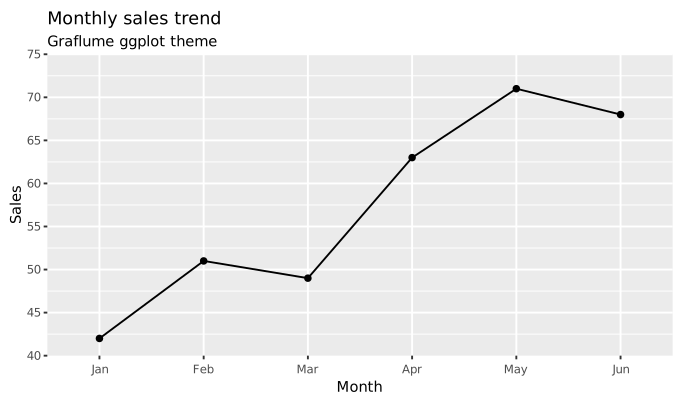
테마 · graflume-light · graflume-dark · ggplot (ggplot2 4.0.3) · R Base (R 4.6.1) · Matplotlib (Matplotlib 3.11.1) · Editorial · Scientific Classic · Statistical Minimal · Dashboard Dense · Finance Terminal · Observability · Geospatial · Spatial Lab · Presentation · Pictorial · Dark Technical · High Contrast. ChartSpec 또는 Quick API options의 theme에 공개 식별자를 지정합니다. 같은 식별자를 Canvas와 Spatial에서 사용할 수 있습니다.
03 · 44 families차트 카탈로그
기본·고급·전문 차트 계열의 차이를 살펴보세요.
04 · milestone업데이트
정식 릴리스와 main의 개발 이력을 구분해 확인하세요.
현재 경계
데이터·ChartSpec·Scene·차트 생명주기 계약을 알아보세요.
0.1.0-alpha.0 · npm 미출시 · UNLICENSED · ChartSpec 0.1 · SpatialSpec 0.1 · Canvas 2D + opt-in WebGL · exact source 4affa24255ec2145ef9983a7f0aea586d5189926